Arlo Ev Güvenlik Sistemi Kablolu Tuş Takımı
Arlo's Answer To A Familiar Control Panel
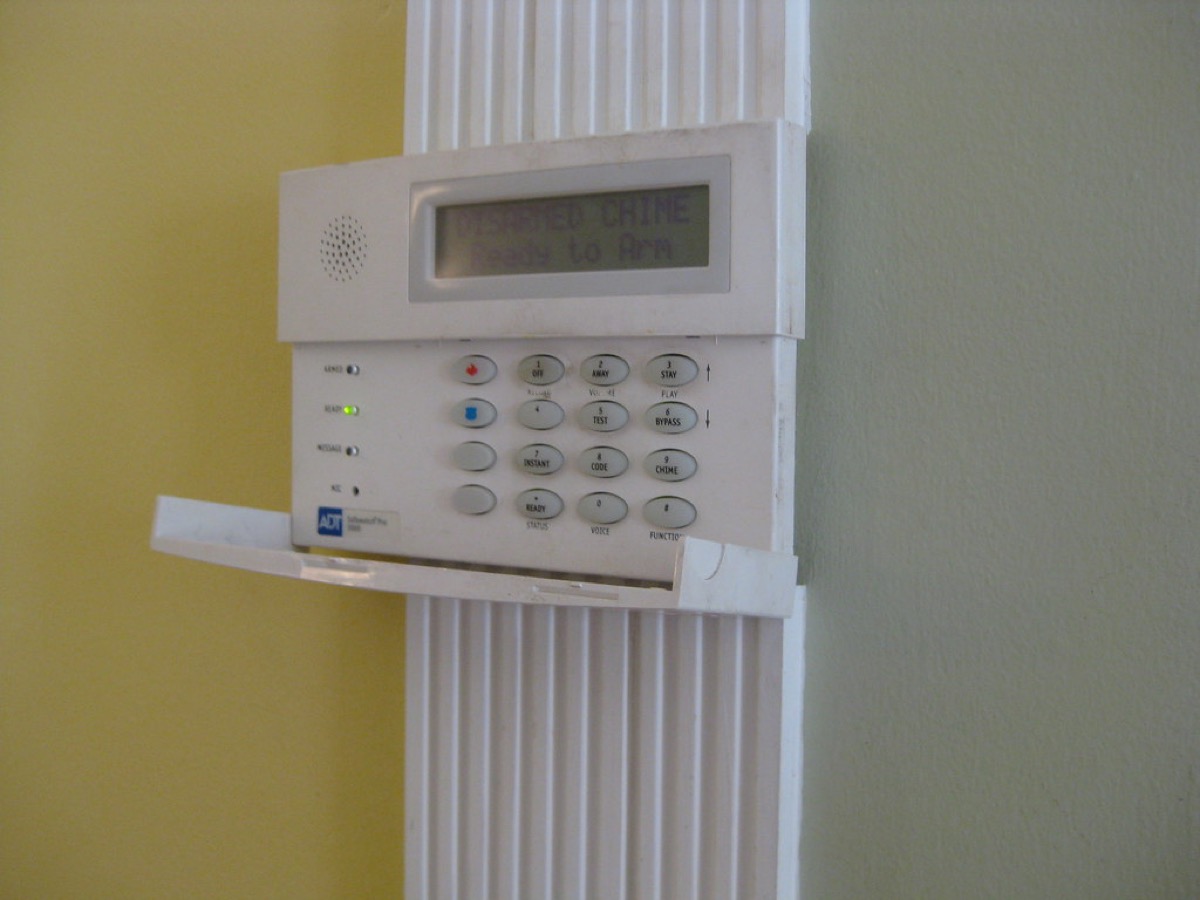
Arlo earned its following with wireless cameras, and its home security system extends that reputation into whole-home protection with sensors and a familiar wall-mounted control point. The wired keypad sits at the heart of that setup, giving households the tactile, at-the-door arming and disarming experience that traditional alarm panels made second nature. Instead of reaching for a phone every time you leave or return, you tap a code on a physical keypad, which is faster and more intuitive for family members who are not glued to an app. It is a deliberately conventional interface for a modern system.
This device is both a keypad and a coordinating hub, a distinction worth clarifying early in this Arlo Home Security System Wired Keypad review. It connects to power and your network, links Arlo's multifunction sensors, and ties the whole security experience together with Arlo cameras. Being wired means it stays consistently powered and connected rather than relying on batteries, which suits a component you want available at all times. For homes already invested in Arlo cameras, the keypad transforms a collection of devices into something that behaves like a cohesive alarm system.
Design, Interface, And Integration
The keypad's design favors clarity and ease of use. A backlit button layout makes entering codes straightforward day or night, and dedicated arming modes let you switch between fully armed, a stay mode for when you are home, and disarmed with a simple press. Mounting near your main entrance recreates the reassuring routine of a traditional alarm, so the whole household can operate the system without training. Because it is wired, it does not suffer the occasional lag or battery worry that plagues some wireless panels, keeping the interface responsive when you need it most.
Integration is where the keypad justifies its place. It coordinates Arlo's all-in-one sensors, which can detect motion, contact openings, and environmental events depending on configuration, and it ties those triggers to Arlo cameras for visual confirmation. When a sensor trips, the system can capture footage and alert you, and the keypad provides the on-site control to arm or silence the response. Owners consistently report that this camera-and-sensor coordination is the system's real strength, turning individual Arlo products into a unified, self-reinforcing security layer rather than a scattered set of gadgets.
Who It's For And Everyday Use
This keypad makes the most sense for households already building on Arlo, or those who want a camera-forward security system with a traditional control feel. Families appreciate the physical panel because everyone, including kids and guests, can arm or disarm without needing the app or an account login. People converting from an old professionally installed alarm often find the familiar keypad routine reassuring, easing the transition to a modern, self-installed system. If you value visual verification through cameras alongside sensor alerts, Arlo's tightly integrated approach is a natural fit for your priorities.
In daily life, the keypad becomes the anchor of your coming-and-going routine. You arm it on your way out with a quick code, and disarm it as you return, while the system watches doors, windows, and rooms through paired sensors and cameras. Custom codes let you give family members or a house sitter their own access, and the modes let you keep interior sensors relaxed while perimeter protection stays active overnight. That blend of physical control and app-based flexibility means you can operate however suits the moment, whether standing at the door or checking in remotely.
Trade-Offs And Honest Limitations
The clearest consideration is Arlo's reliance on subscriptions for its fullest experience. While the hardware provides local control, features like extended cloud video history, advanced notifications, and professional monitoring options generally involve a paid plan. Buyers should budget for that ongoing cost if they want the system's complete capabilities, because the camera-centric value proposition leans on cloud services. Anyone hoping for a fully subscription-free security experience will find Arlo less accommodating than some rivals, so it is worth reading the plan details before committing.
Being wired is a double-edged trait. It guarantees constant power and connectivity, but it also ties the keypad to a location near an outlet and limits flexible placement compared with a battery panel. The system also works best as part of a broader Arlo investment; buying the keypad without the sensors and cameras it is meant to coordinate leaves much of its value untapped. Finally, as a component-based system, it asks a bit more setup thought than a single all-in-one kit, though Arlo's app guidance smooths most of that process for typical users.
Living With It: Setup And Daily Reliability
Setup runs through the Arlo app, which walks you through connecting the keypad, joining your network, and pairing sensors and cameras into a unified system. Because the keypad is wired, you position it near an outlet close to your main door and let it stay permanently powered. Owners consistently report that once the sensors are placed and codes are configured, daily operation becomes second nature: arm on the way out, disarm on the way in. Assigning individual user codes and setting up modes takes a little initial effort but pays off in smooth, everyday use.
Reliability day to day benefits from the wired design, which sidesteps the battery anxiety that affects some wireless panels. Firmware updates arrive through the app and are worth applying for security and stability, and periodic testing confirms your sensors still trigger the responses you expect. The physical keypad means the system remains operable even when a phone is out of reach, which matters for guests and family. For households that lean into the Arlo ecosystem, the keypad settles into a dependable role as the trusted point of daily control over the whole setup.
How It Compares And Where It Fits
Against all-in-one systems from Ring and SimpliSafe, Arlo's security offering trades some out-of-the-box simplicity for superior camera integration, which is Arlo's traditional strength. Those rivals may offer more affordable monitoring or simpler kits, but few match Arlo's fluid pairing of sensors with high-quality video confirmation. The wired keypad adds a conventional, tactile control layer that some competitors reserve for premium tiers or omit entirely. For buyers who prioritize seeing what triggered an alert, Arlo's approach holds a distinct edge over sensor-only systems.
Where the keypad fits is at the control center of a camera-first Arlo home. It is the piece that unifies your cameras and sensors under one familiar, physical interface, and it rewards households committed to the Arlo platform. If you already own Arlo cameras or plan to build around them, adding the wired keypad and sensors turns them into a genuine security system with everyday, at-the-door control. Just weigh the subscription expectations and the wired placement, and you have a capable, well-integrated backbone for modern home protection.
Bir bakışta
Artılar
- Physical keypad lets the whole household arm and disarm without the app
- Tight integration pairs Arlo sensors with camera video confirmation
- Wired design stays constantly powered without battery worries
- Multiple arming modes and custom user codes fit real household routines
Eksiler
- Fullest features and cloud history generally require a paid subscription
- Wired placement ties the keypad to a spot near an outlet
- Real value depends on owning the wider Arlo sensor and camera lineup
Sıkça sorulan sorular
Does the wired keypad need a subscription to work?
Basic local control such as arming and disarming works with the hardware itself. However, Arlo's fuller experience, including extended cloud video history and professional monitoring, generally involves a paid plan. Budget for a subscription if you want the complete camera-centric capabilities.
Can family members arm the system without the app?
Yes, that is the keypad's main purpose. Anyone can enter a code on the physical panel to arm or disarm without needing a phone or account. You can also assign individual codes to family members or a house sitter for tracked, personalized access.
Do I need Arlo cameras for the keypad to be useful?
The keypad delivers the most value as part of a broader Arlo system with sensors and cameras. It coordinates those devices and adds video confirmation to alerts. Buying it alone, without the sensors and cameras it manages, leaves much of its potential unused.
Teknik Özellikler
| Device type | Security keypad and coordinating hub |
| Power | Wired for constant power and connectivity |
| Interface | Backlit keypad with dedicated arming modes |
| Modes | Armed, stay/home, and disarmed |
| Sensors | Coordinates Arlo multifunction sensors |
| Cameras | Integrates with Arlo cameras for video confirmation |
| Access | Supports multiple custom user codes |
| App | Arlo app for setup, remote control, and alerts |
Özet
A tactile, wired control center that turns Arlo cameras and sensors into a cohesive alarm; best for those already in the Arlo ecosystem and comfortable with its subscription model.
Amazon'da Fiyatı Kontrol Et